Product Tour
Eight stops through a real Anchor console, from the first server Anchor meets to the evidence your auditor reads.
The route
Section titled “The route”Every capture on this tour comes from a running installation managing AcmeCorp, a sample estate of three Linux servers and a PostgreSQL database with 25 privileged accounts. No customer data and no secrets.
Follow the stops in order, or jump to the one you care about. Each stop ends with a link to the next.
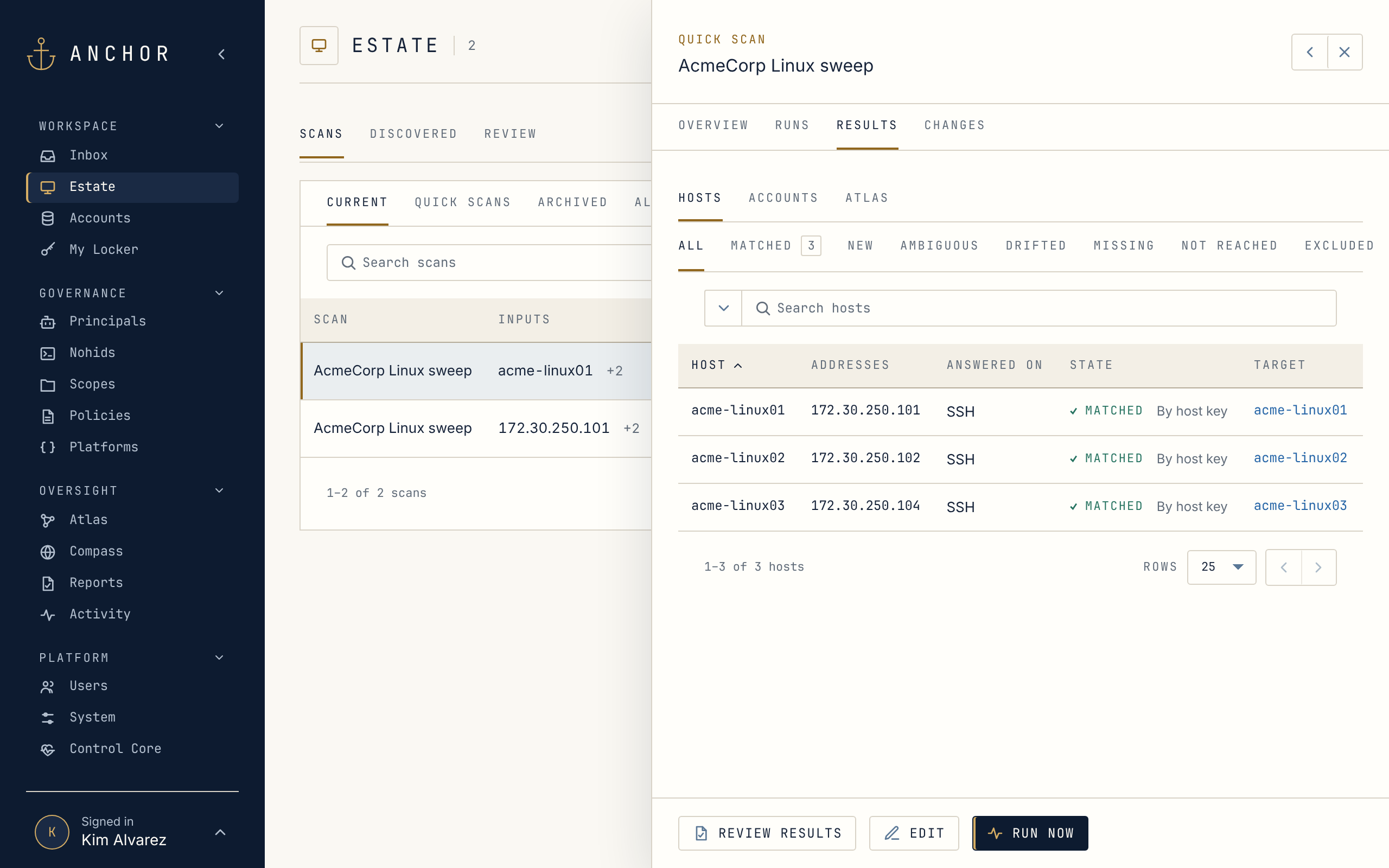 Stop 01Onboarding and TrustFind your servers and privileged accounts, bring them in, and keep track of the hosts you trust.
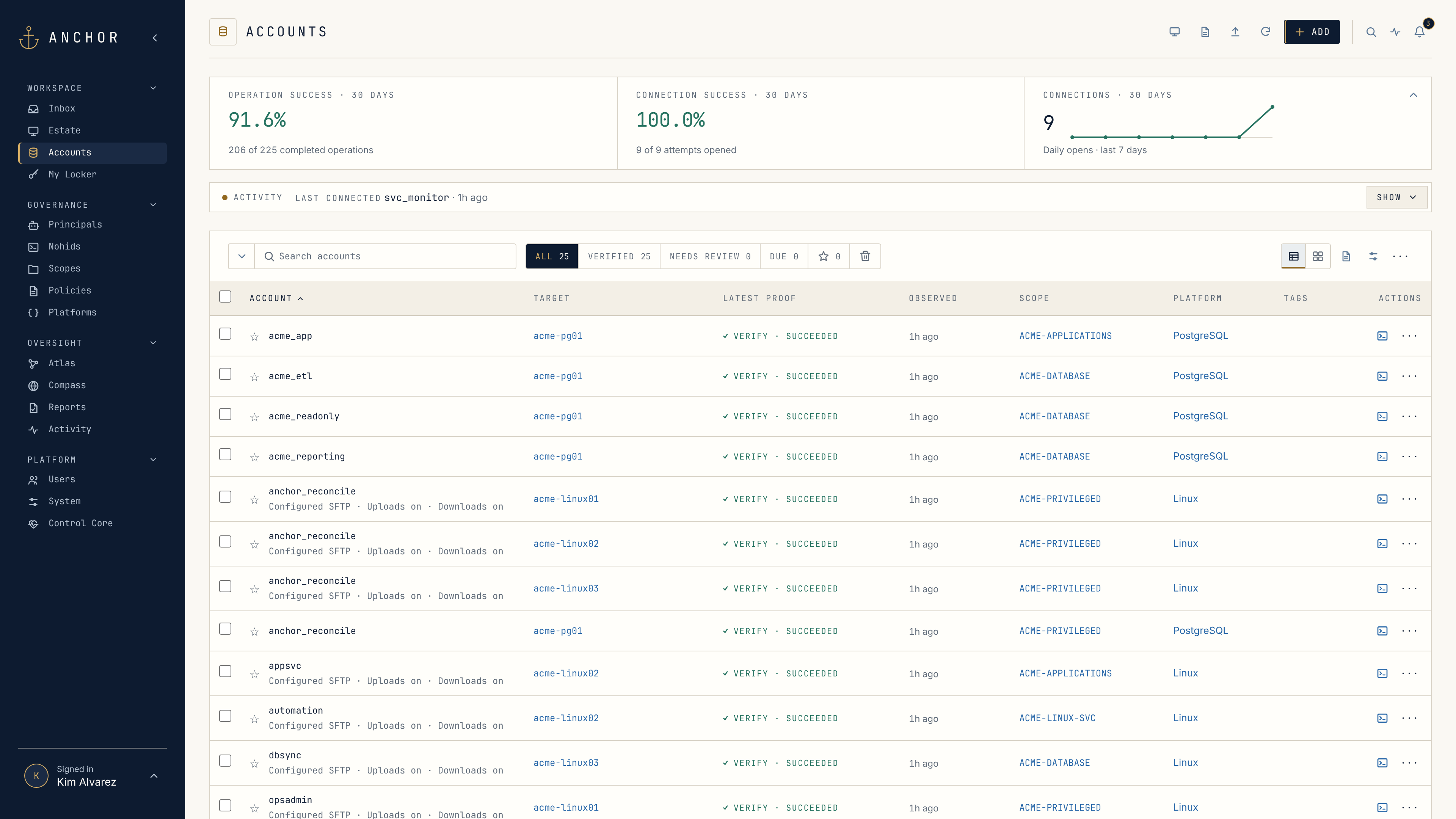 Stop 02Accounts and PasswordsEvery privileged account in one list, its password checked and changed on schedule.
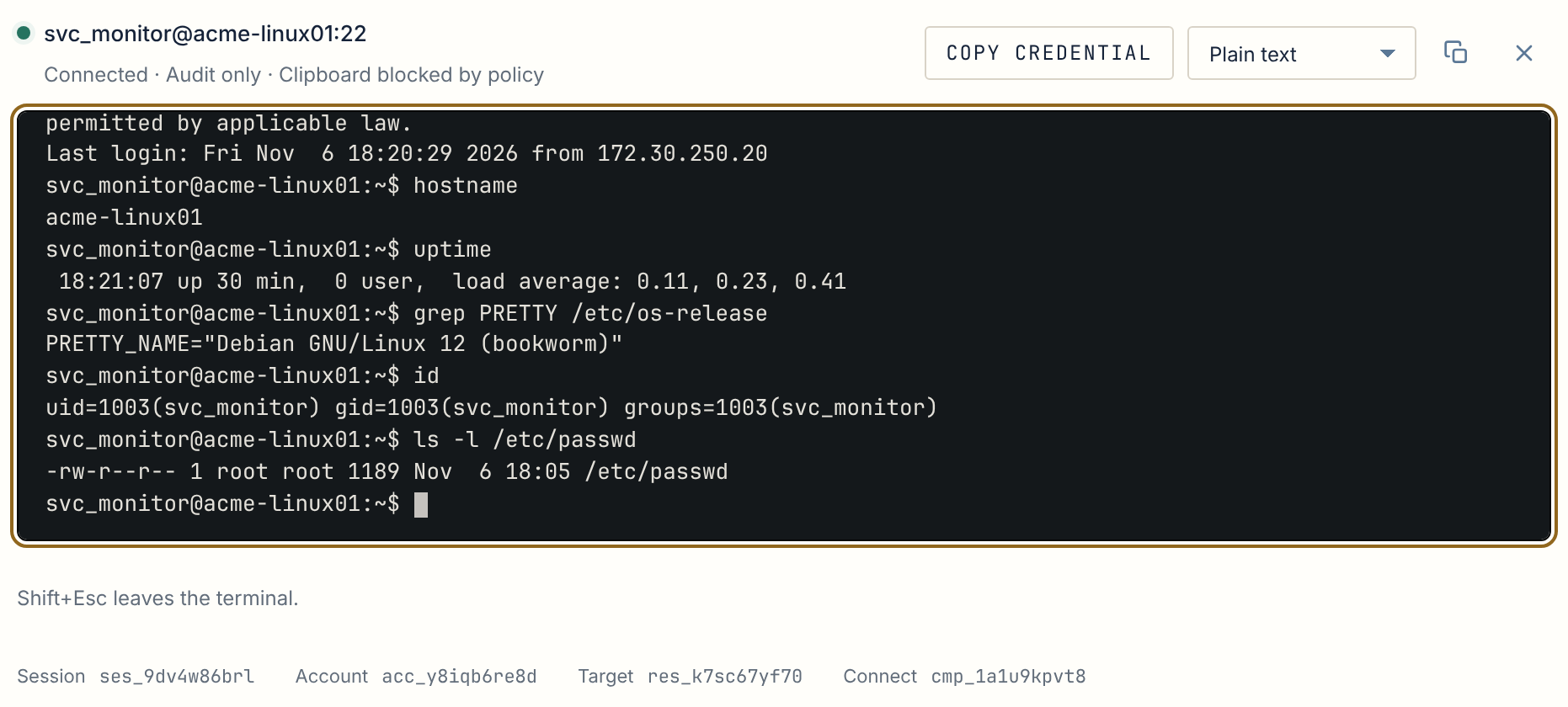 Stop 03Privileged SessionsConnect from the browser or your own SSH client, and never see the password.
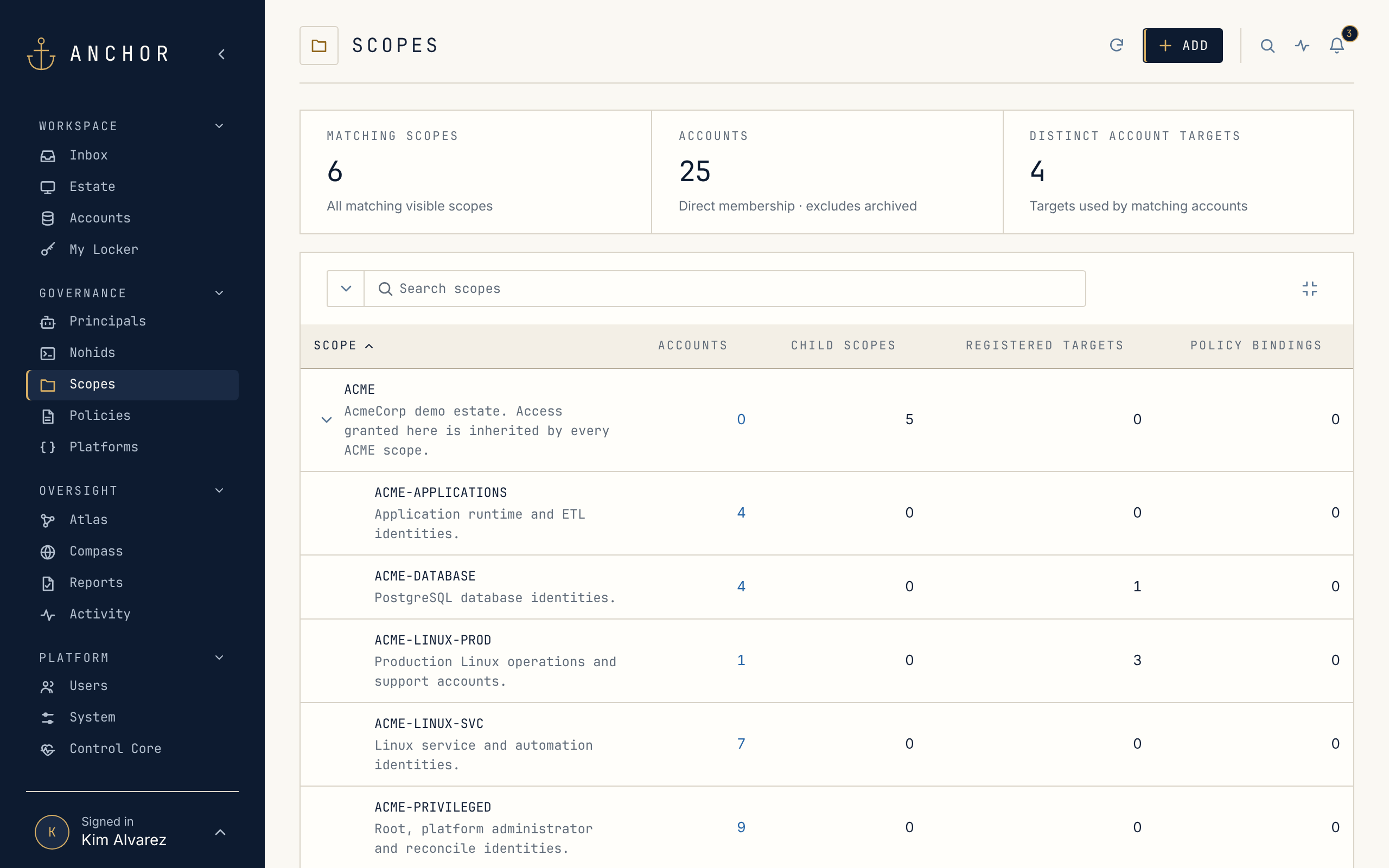 Stop 04Scopes, Roles and PoliciesOrganize by team, let team leads manage their own Scopes, and say once how the work should happen.
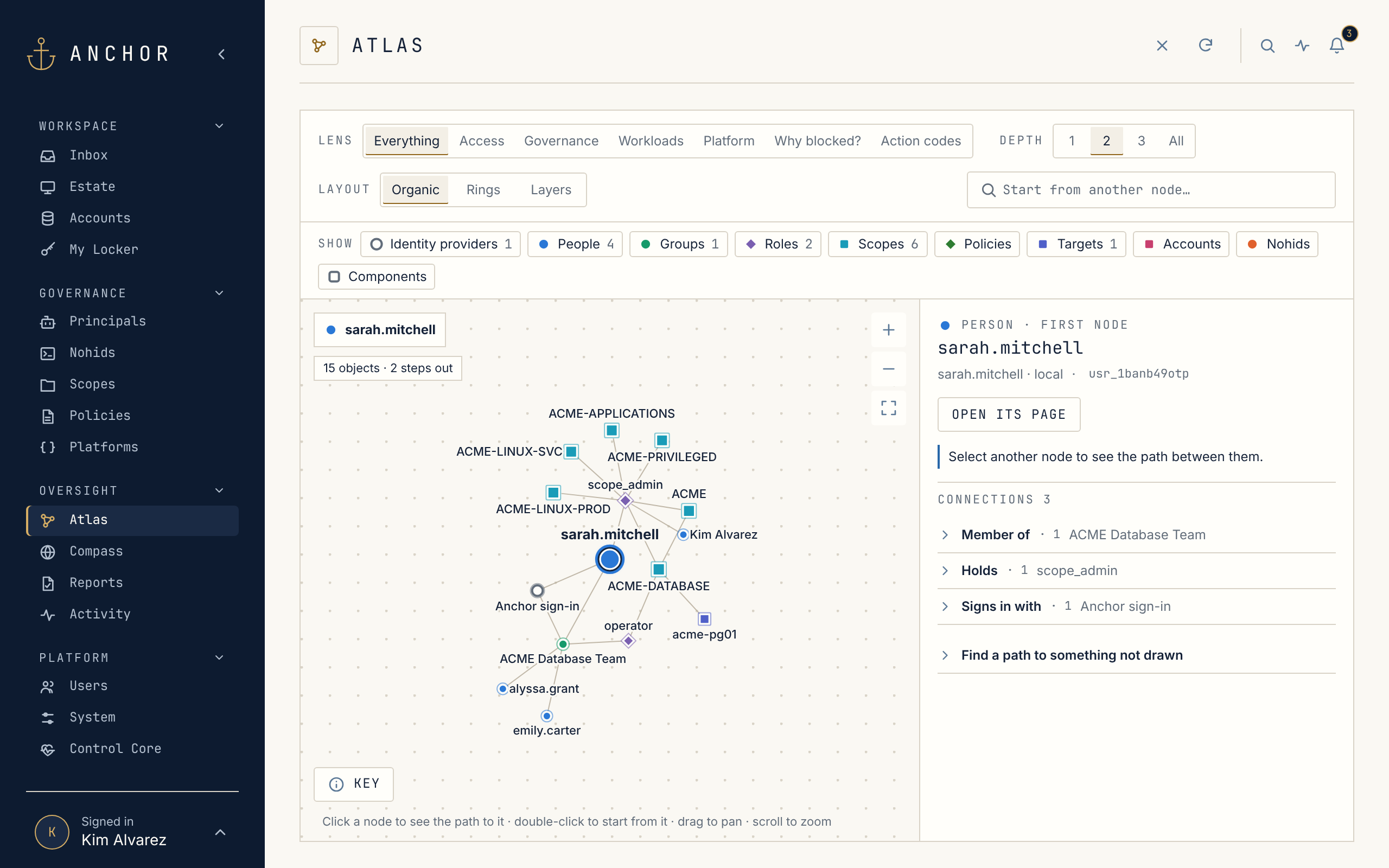 Stop 05AtlasSee who can reach what, and exactly why, on one map.
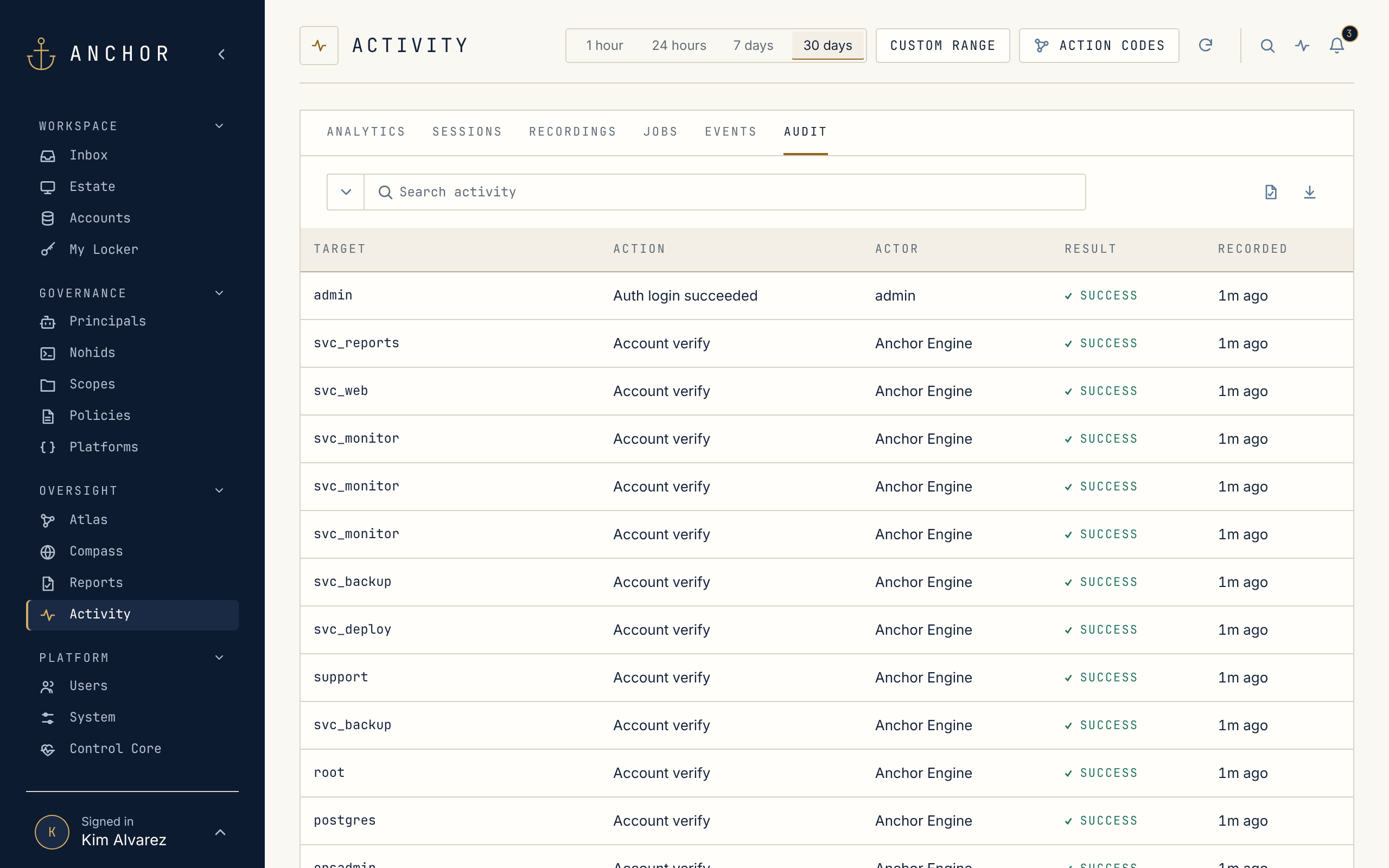 Stop 06Activity and EvidenceWho did what, when and why, kept apart from everything else and ready for auditors and your SIEM.
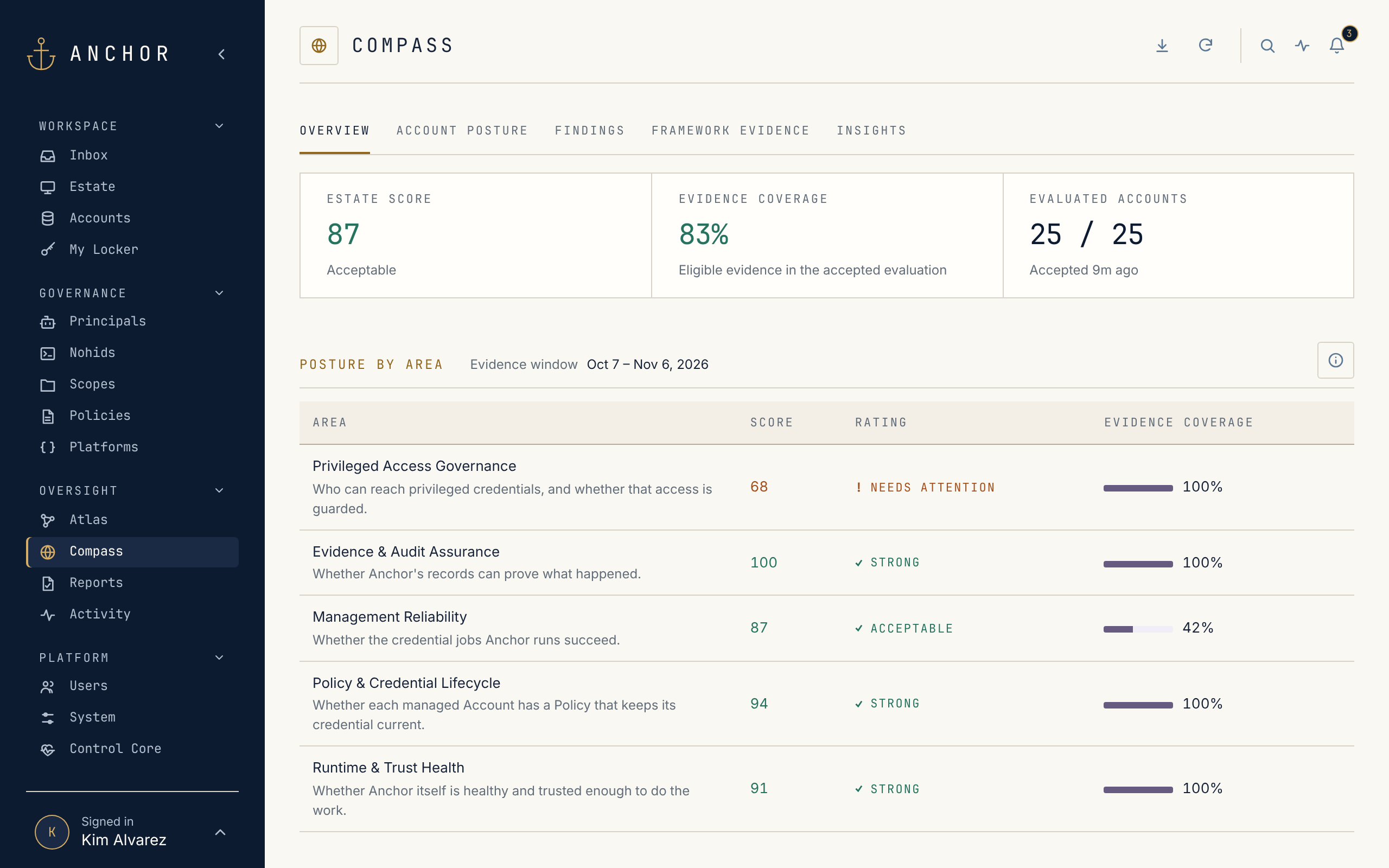 Stop 07Compass and InsightsA posture score for the estate and every account, with SOC 2 and NIST controls scored from the evidence.
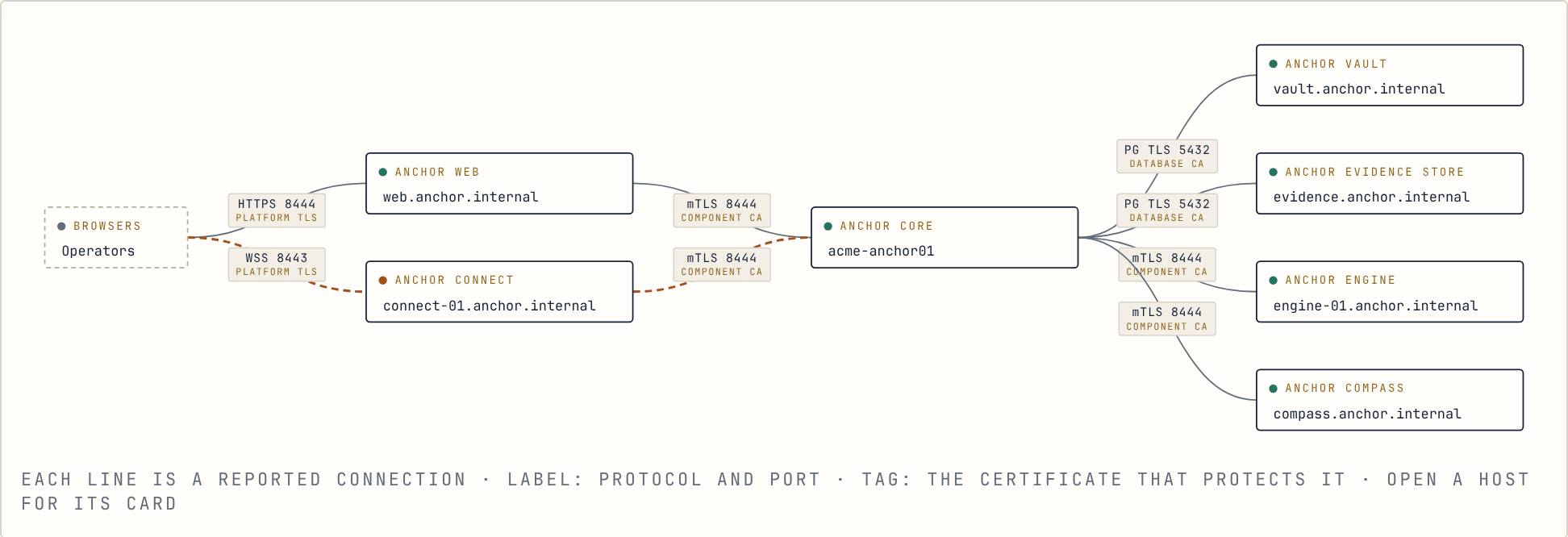 Stop 08Running AnchorHealth, upgrades, backups, Engines and maintenance, from the console or the command line.
How the stops fit together
Section titled “How the stops fit together”- Bring it in. Discover servers and accounts, and trust each server’s identity once.
- Keep it in shape. Anchor checks and changes passwords on schedule and opens sessions with them, so people don’t have to handle them.
- Decide who does what. Scopes, roles and Policies, with Atlas to show the result.
- Prove it. Activity, evidence and Compass answer the auditor’s questions from records, not spreadsheets.
- Run it. Health, upgrades, backups and Engines from the console, with upgrades and backups also on the command line.