Scopes, Roles and Policies
Organize accounts the way your teams work, let team leads manage their own Scopes, and declare once how the work should be done.
Scopes: who can see and use what
Section titled “Scopes: who can see and use what”A Scope is a folder of accounts, such as Production Linux or Finance databases. Scopes nest, and roles are granted on a Scope, so a database team can manage its own accounts without seeing anyone else’s. Accounts inherit their Policy from their Scope.
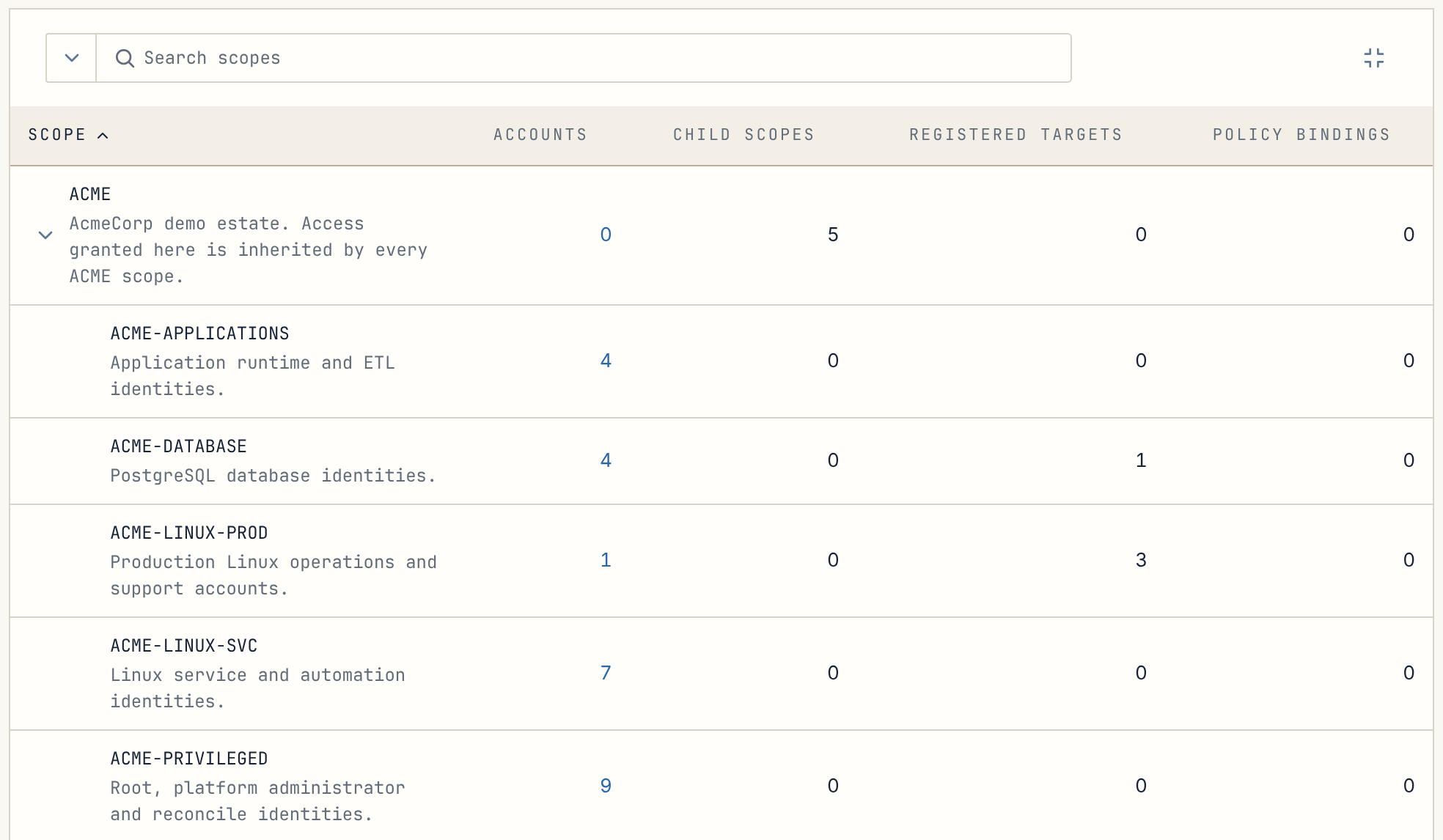
Scope Admins for team leads
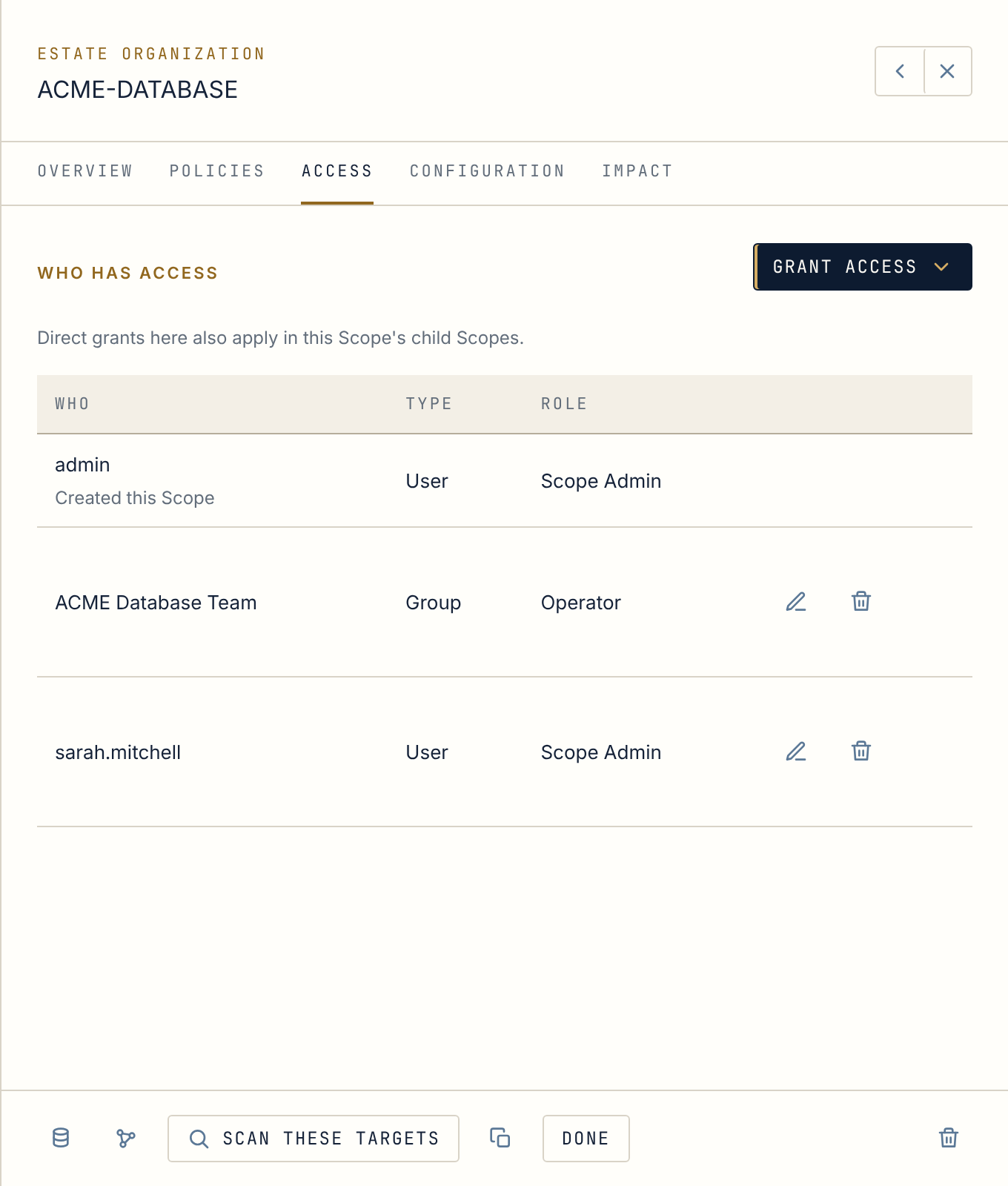
Section titled “Scope Admins for team leads”A Scope Admin runs the Scopes they are given: their resources, and who on their team can use them. They grant only roles within their own reach, they cannot reveal passwords, and only a global administrator can make someone a Scope Admin in the first place.
Policies: how the work should be done
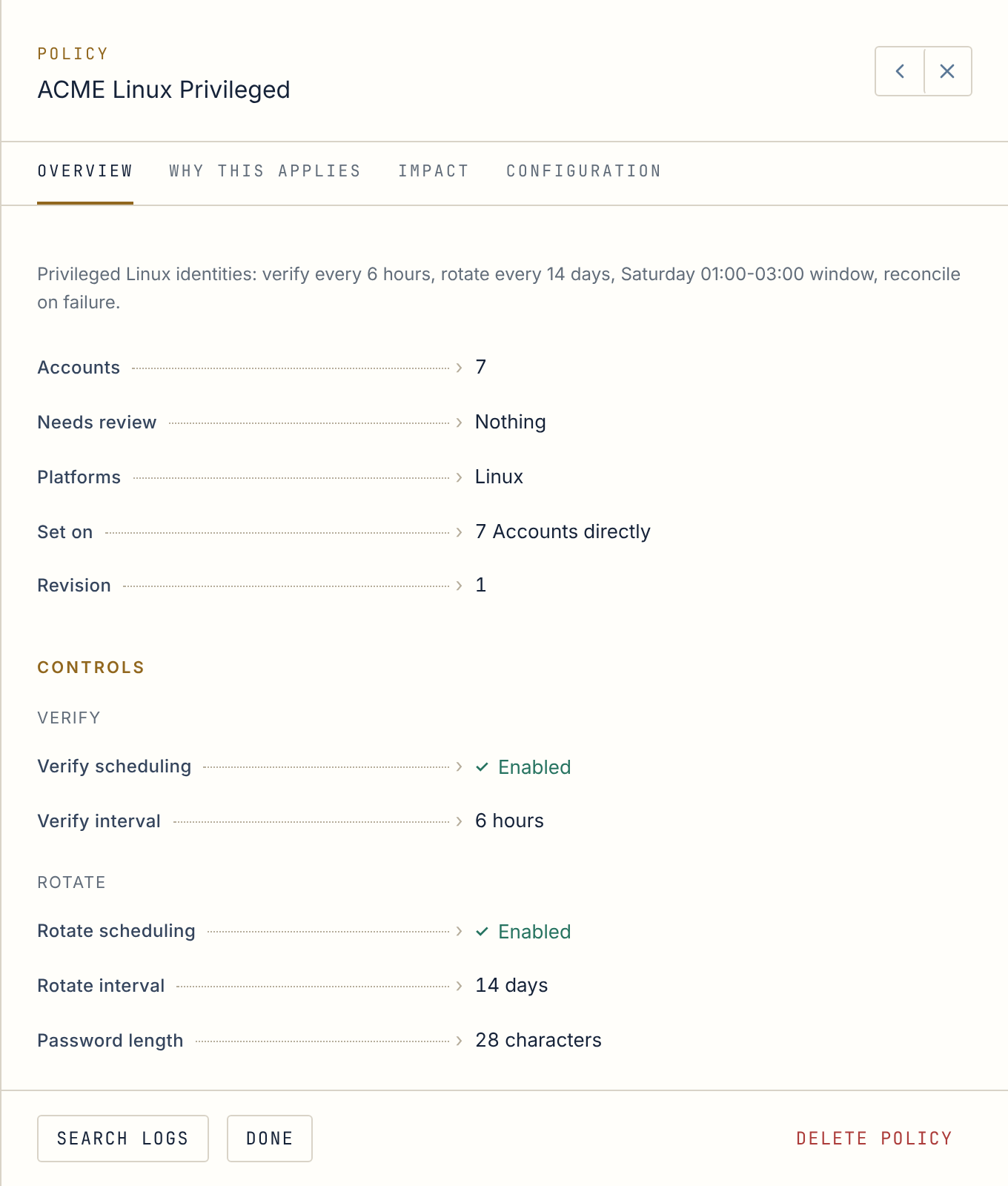
Section titled “Policies: how the work should be done”A Policy is your operational intent, written once and applied to every account it governs:
- how often passwords are verified and rotated, and how strong they are;
- whether people may reveal them, and whether machines may retrieve them;
- whether sessions are allowed and what evidence they keep;
- when changes may happen: eligible days, a change window, and blackout dates when nothing scheduled runs.
Review before you save
Section titled “Review before you save”Every Policy change goes through a review step before it is saved, and each Policy can explain why it applies to an account: through its Scope, or assigned directly. Manual and scheduled work follow the same governed path, so a rotation you trigger by hand obeys the same rules as one Anchor runs at 2 a.m.
Next stop · 05AtlasSee who can reach what, and exactly why, on one map.