Accounts and Passwords
Every privileged account in one place, its password checked and changed on schedule, and revealed only when someone truly needs it.
One list for every privileged account
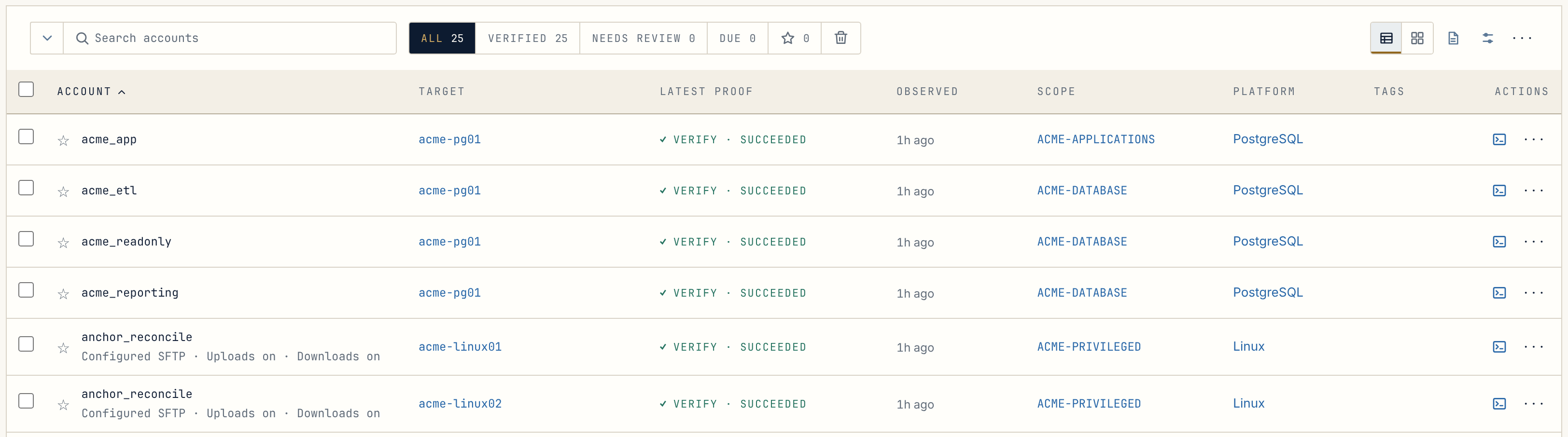
Section titled “One list for every privileged account”root on a Linux server, a Windows administrator, a domain service account, a
PostgreSQL owner: each becomes an Account in Anchor, with the system it
lives on, the Scope it belongs to and the Policy that governs it. The list
shows at a glance what was last proven, and when.

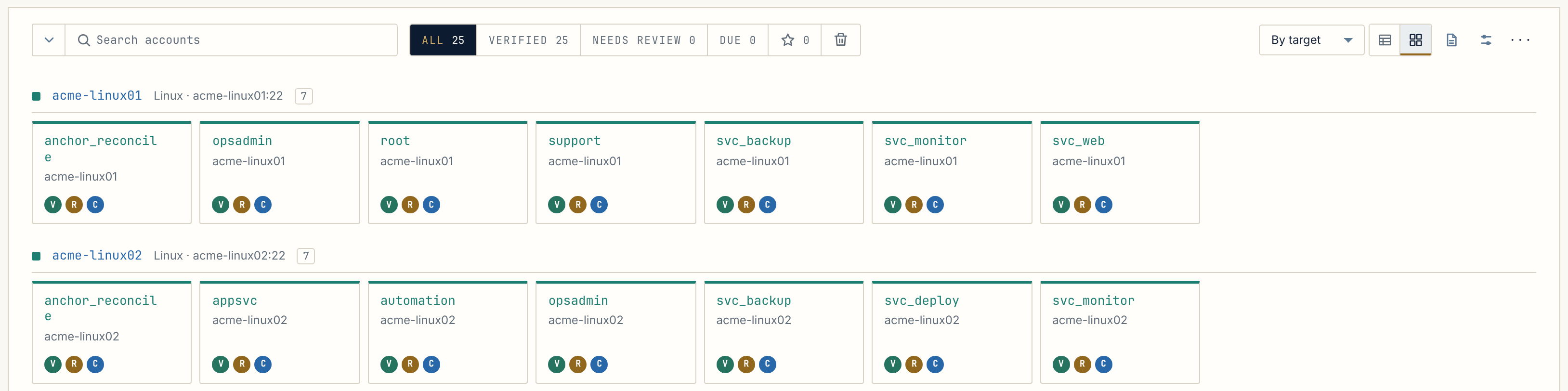
Prefer to see them by server? Switch the list to cards, grouped by target.
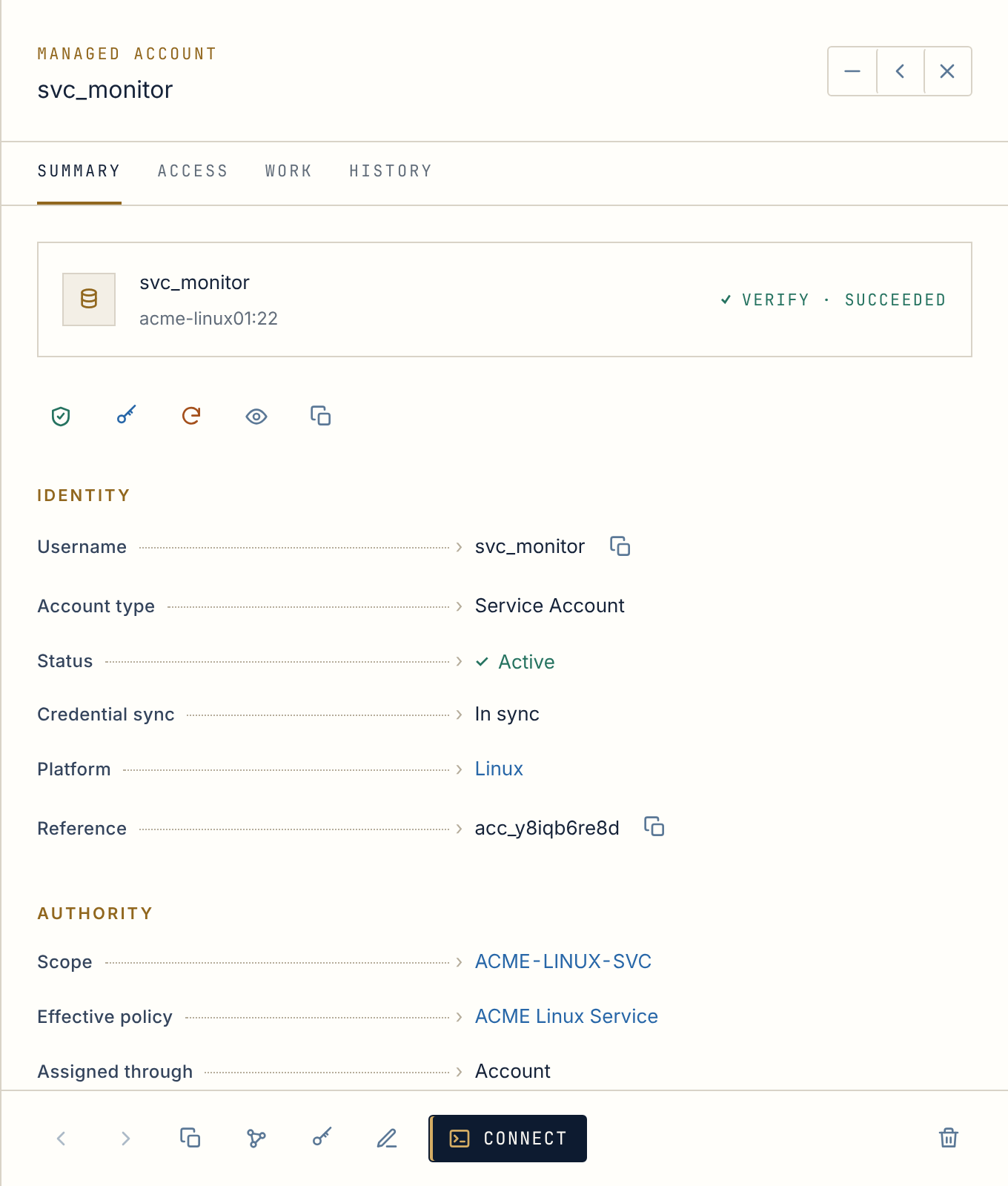
Anchor checks and changes the password
Section titled “Anchor checks and changes the password”Anchor verifies that each stored password still works and rotates it on the schedule its Policy sets, inside your change windows. If someone changed it outside Anchor, Reconcile puts it back under control with a linked administrative account.
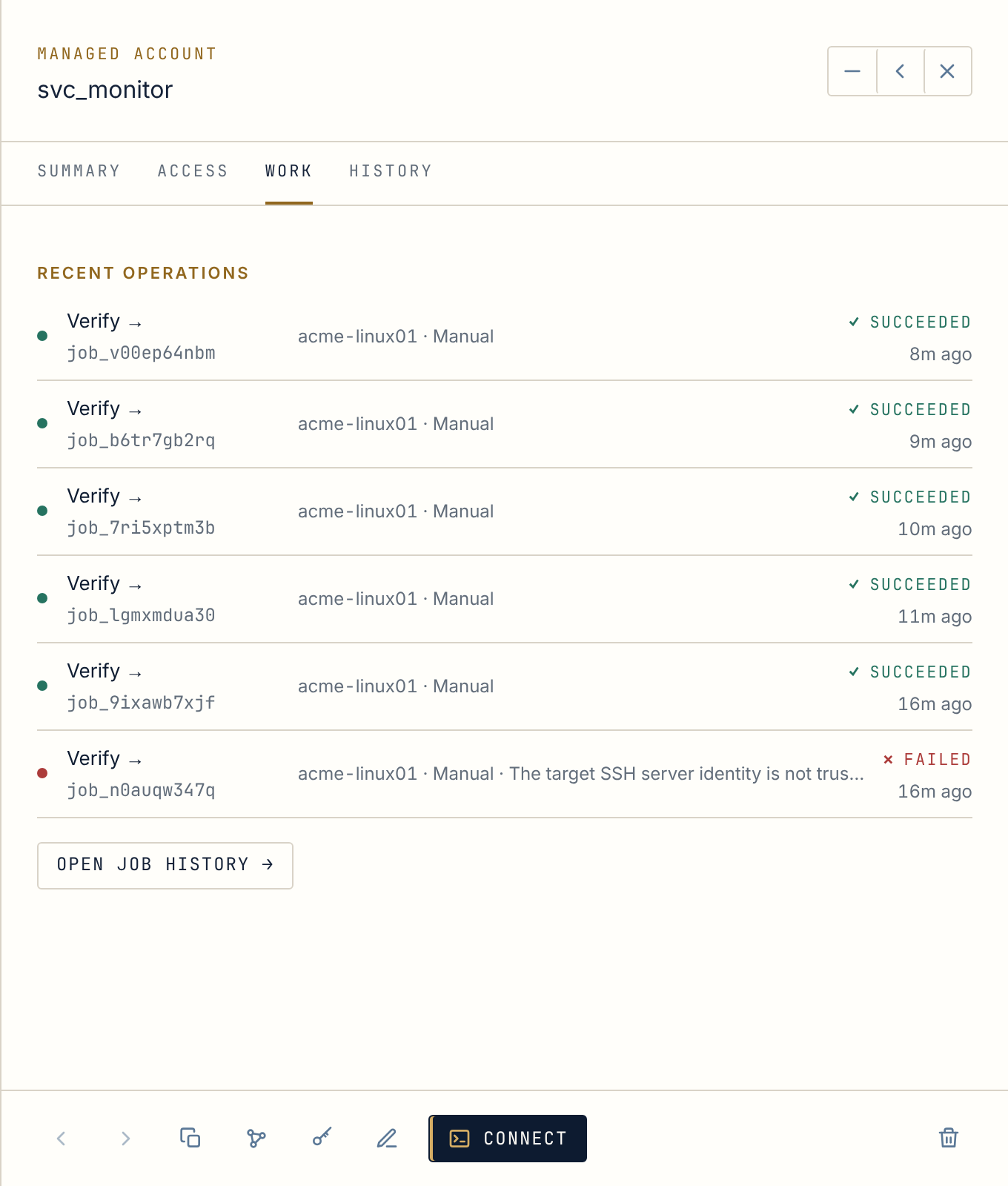
A change whose result is uncertain, such as a network drop at the wrong moment, is never treated as an ordinary failure. Anchor keeps the new password safely aside and marks the account for reconciliation, so a credential is never lost in transit.
The most common types
Section titled “The most common types”| Platform | Password managed over | Sessions |
|---|---|---|
| Linux | SSH | Terminal and file transfer in the browser |
| Windows (local accounts) | WinRM over HTTPS | Desktop in the browser (RDP) |
| Windows Domain | LDAPS | Desktop in the browser (RDP) |
| PostgreSQL | TLS | SQL workspace in the browser |
| Stored credential | Kept encrypted only | — |
Revealing a password is the exception
Section titled “Revealing a password is the exception”Most people never need to see a privileged password: Anchor changes it and opens sessions with it. When someone must, revealing is deliberate. Their role and the account’s Policy must allow it, they can be asked for a reason and to confirm it is really them, and the value hides again after 30 seconds. Every reveal, and every blocked attempt, is recorded.
And a locker of your own
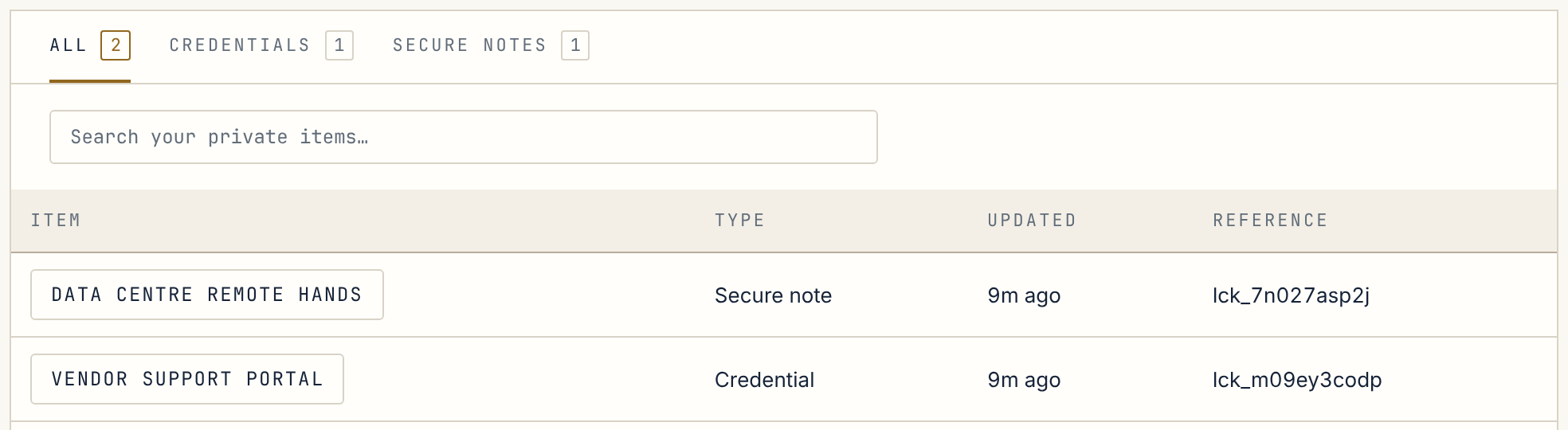
Section titled “And a locker of your own”My Locker holds the credentials and notes that belong to you alone: a vendor portal sign-in, a support PIN, a runbook note. Items are encrypted to you, there is no administrator view, a revealed value hides again after 45 seconds, and every view and change is recorded.