Privileged Sessions
Open a terminal, a Windows desktop or a SQL workspace in the browser, or use your own SSH client, with the password never shown and every session on the record.
Connect without the password
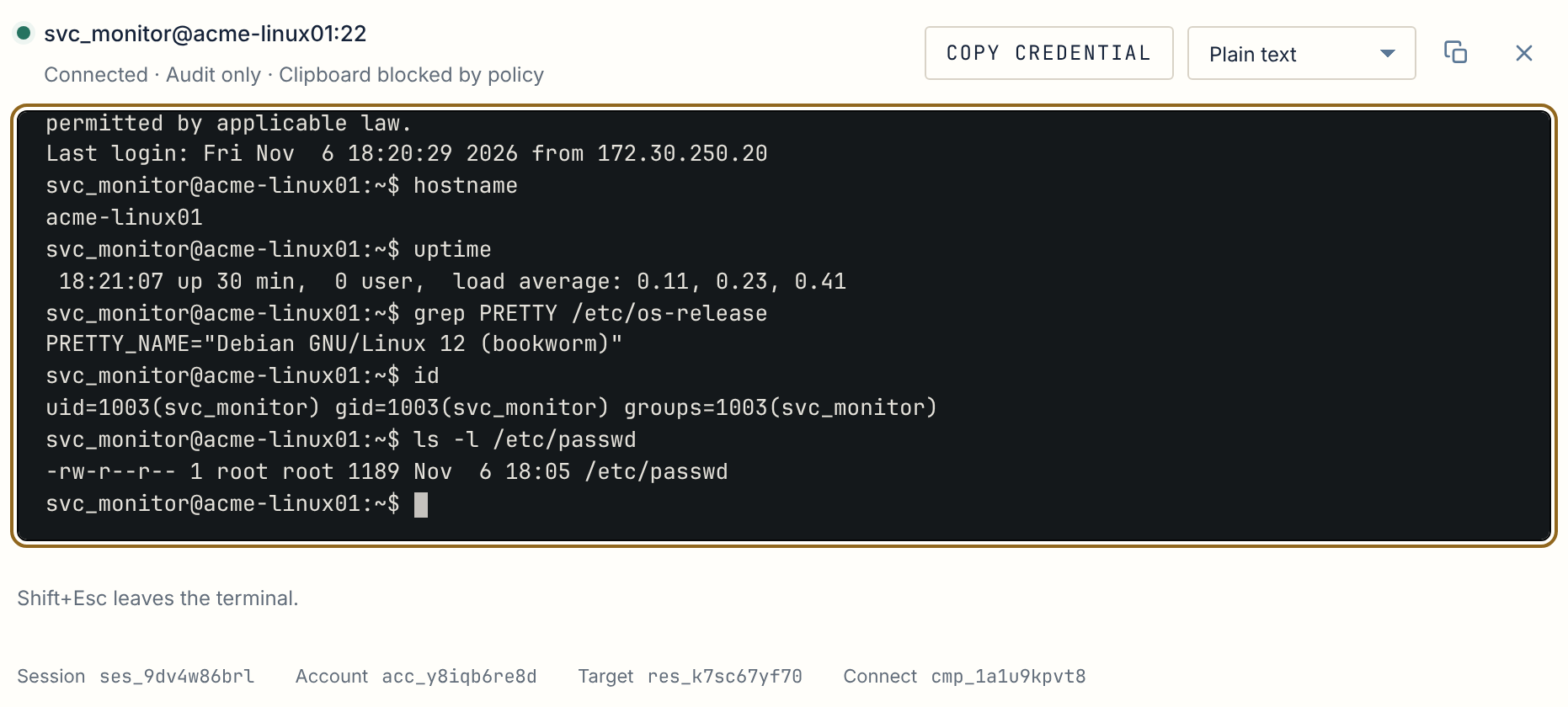
Section titled “Connect without the password”From an account, select Connect. Anchor checks the person’s role, the account’s Policy and the server’s identity, then opens the session with the stored credential. The person works; the password stays with Anchor.
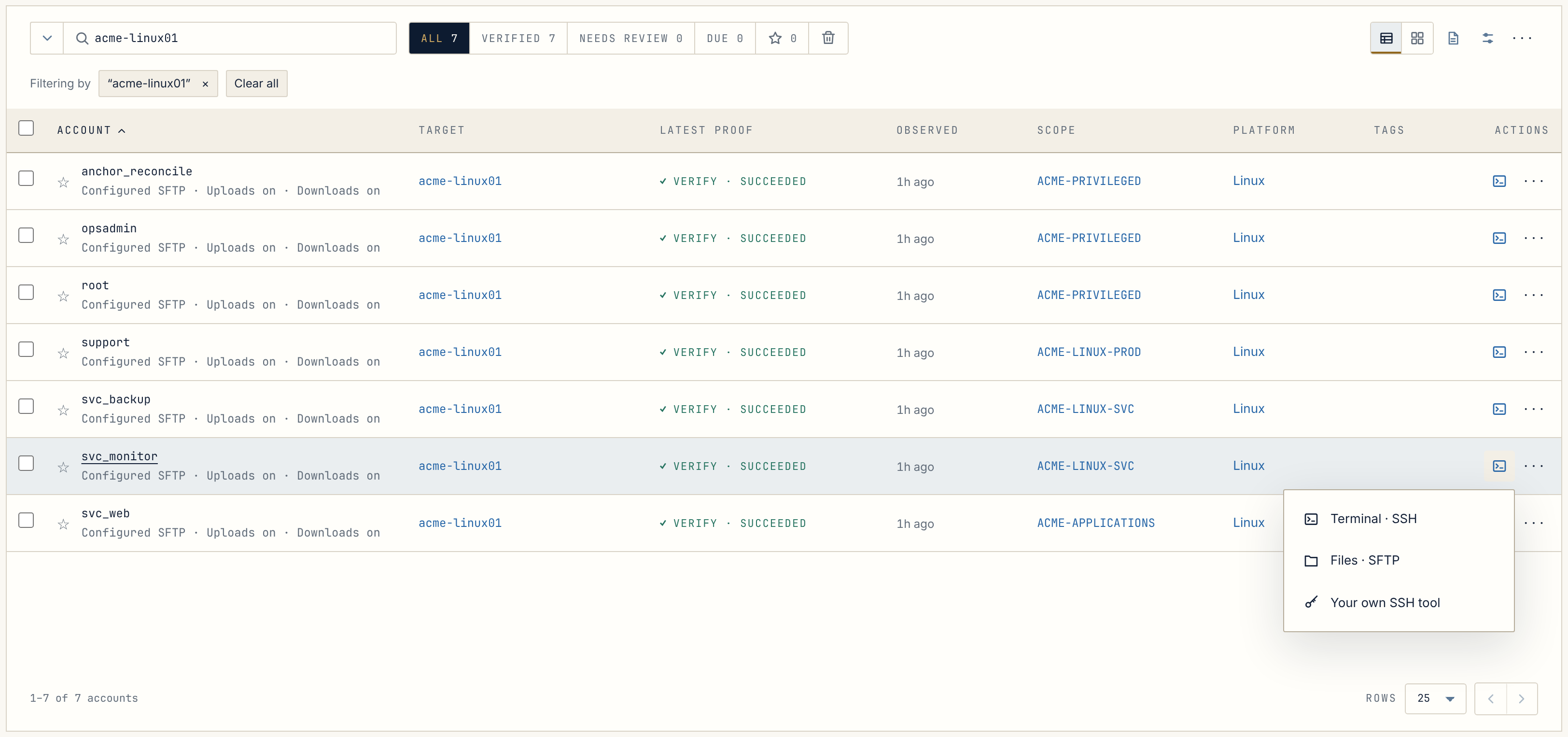
| Platform | What opens |
|---|---|
| Linux | An SSH terminal, and file transfer over SFTP when the Policy allows it |
| Windows | A desktop in the browser, with text clipboard when the Policy allows it |
| PostgreSQL | A SQL workspace, read-only or with changes enabled by Policy |
Nothing to install for browser sessions, no VPN client, and no password to paste.
Or keep your own SSH client
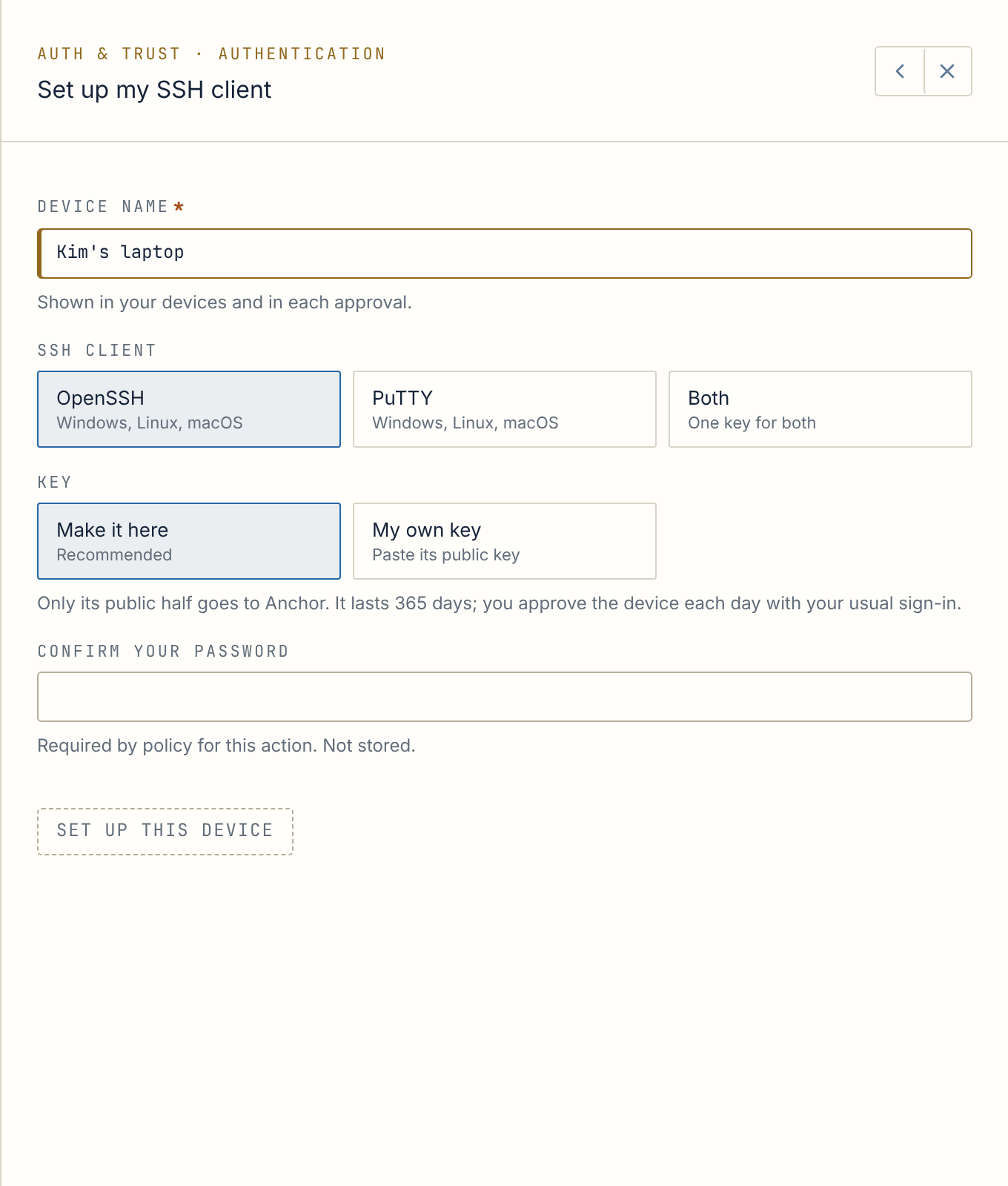
Section titled “Or keep your own SSH client”Prefer OpenSSH or PuTTY? Once an administrator turns this on, set up your device, then name the account and go straight to it, or sign in to Anchor’s gateway and pick from every account you may use. The credential never reaches your laptop. You approve each device with your usual sign-in, for ten hours at a time by default, and administrators can require MFA too.
Each session follows its Policy
Section titled “Each session follows its Policy”The account’s Policy decides whether sessions are allowed, how long they may last, when an idle session closes, and what evidence is kept:
- Audit only: who connected, to which account, when, and how it ended.
- Text transcript: also an encrypted transcript of terminal output.
- Full recording: also an encrypted recording of input and output.
Recording is off until you turn it on. If a session cannot keep the evidence its Policy requires, it does not open.
Every session on the record
Section titled “Every session on the record”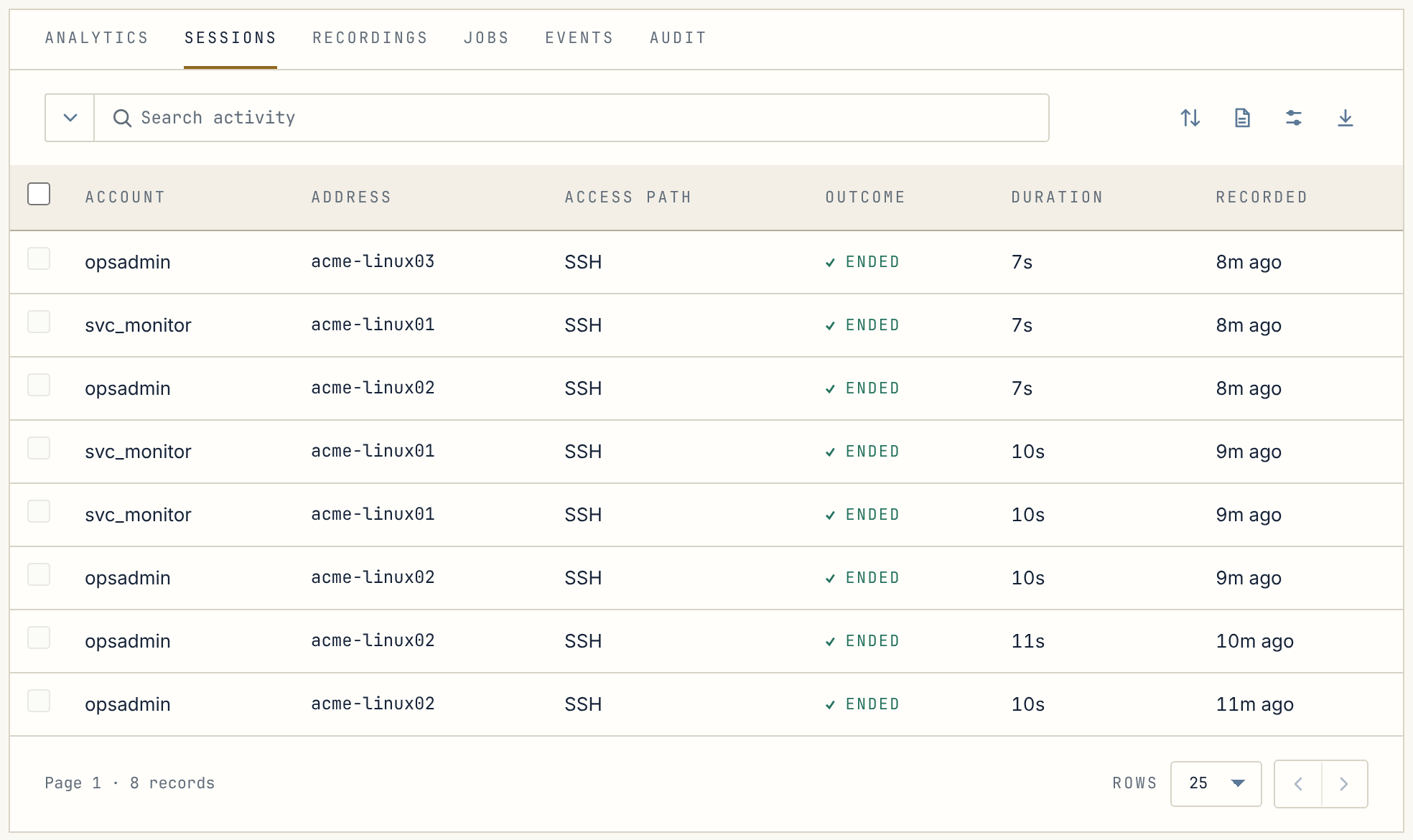
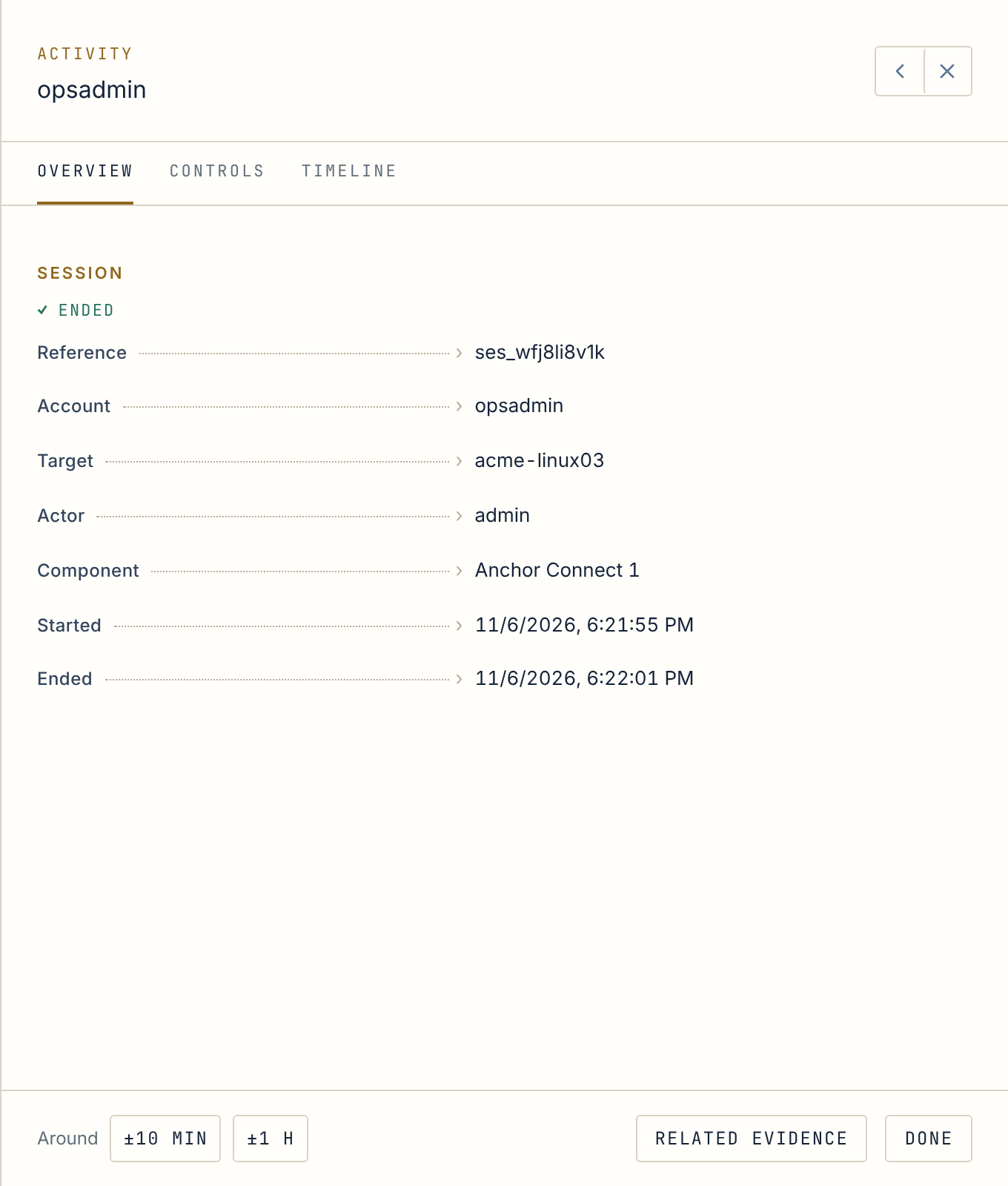
Administrators see who is connected right now and can end a session with a reason. That action is recorded too.
Next stop · 04Scopes, Roles and PoliciesOrganize by team, let team leads manage their own Scopes, and say once how the work should happen.