Onboarding and Trust
Find your servers and privileged accounts, bring them in, and keep track of the hosts you trust.
A checklist that knows where you are
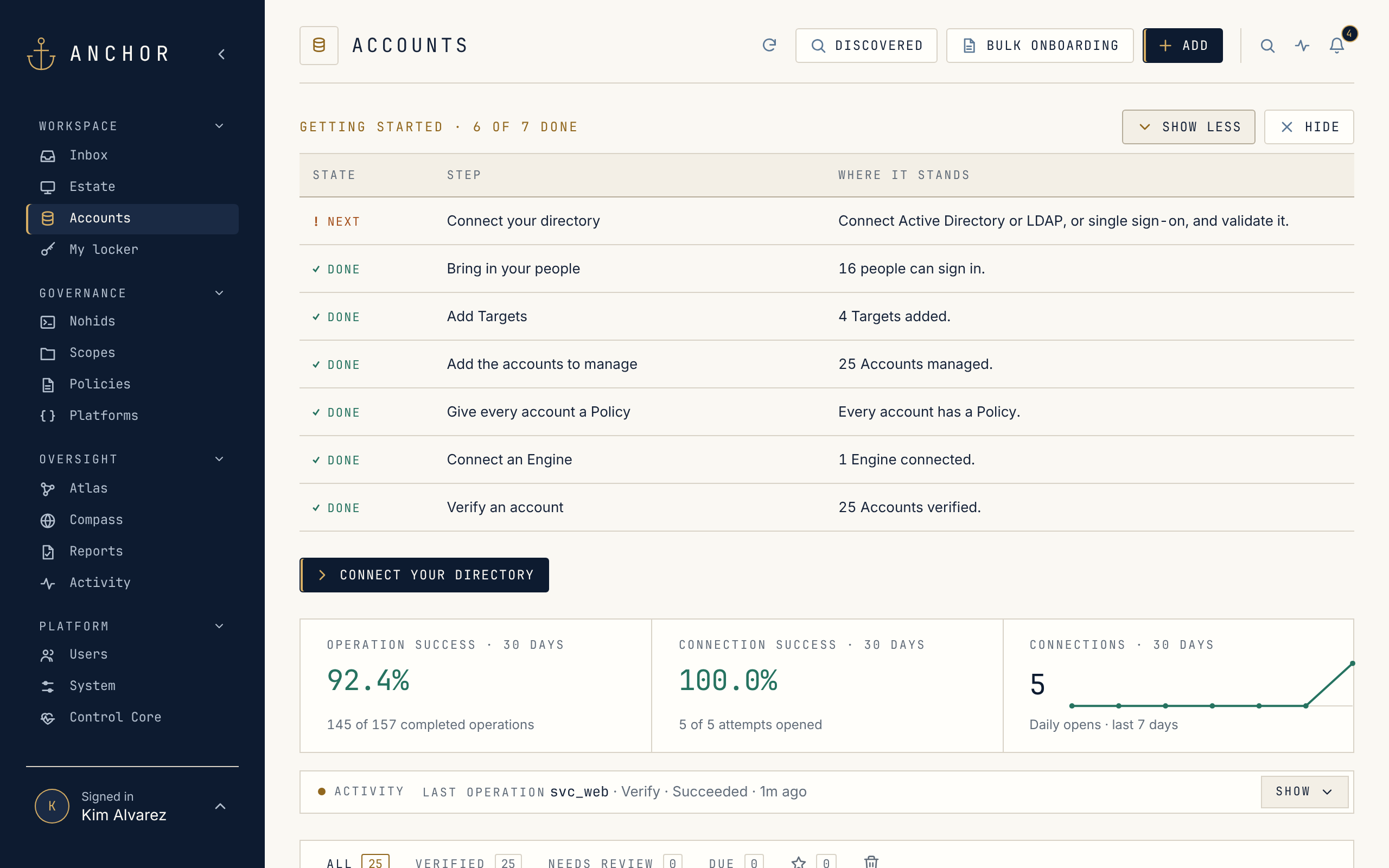
Section titled “A checklist that knows where you are”A new installation opens with Getting started: seven steps, from connecting your directory to the first verified account, each checked off from what Anchor finds in the installation.
Find what you already have
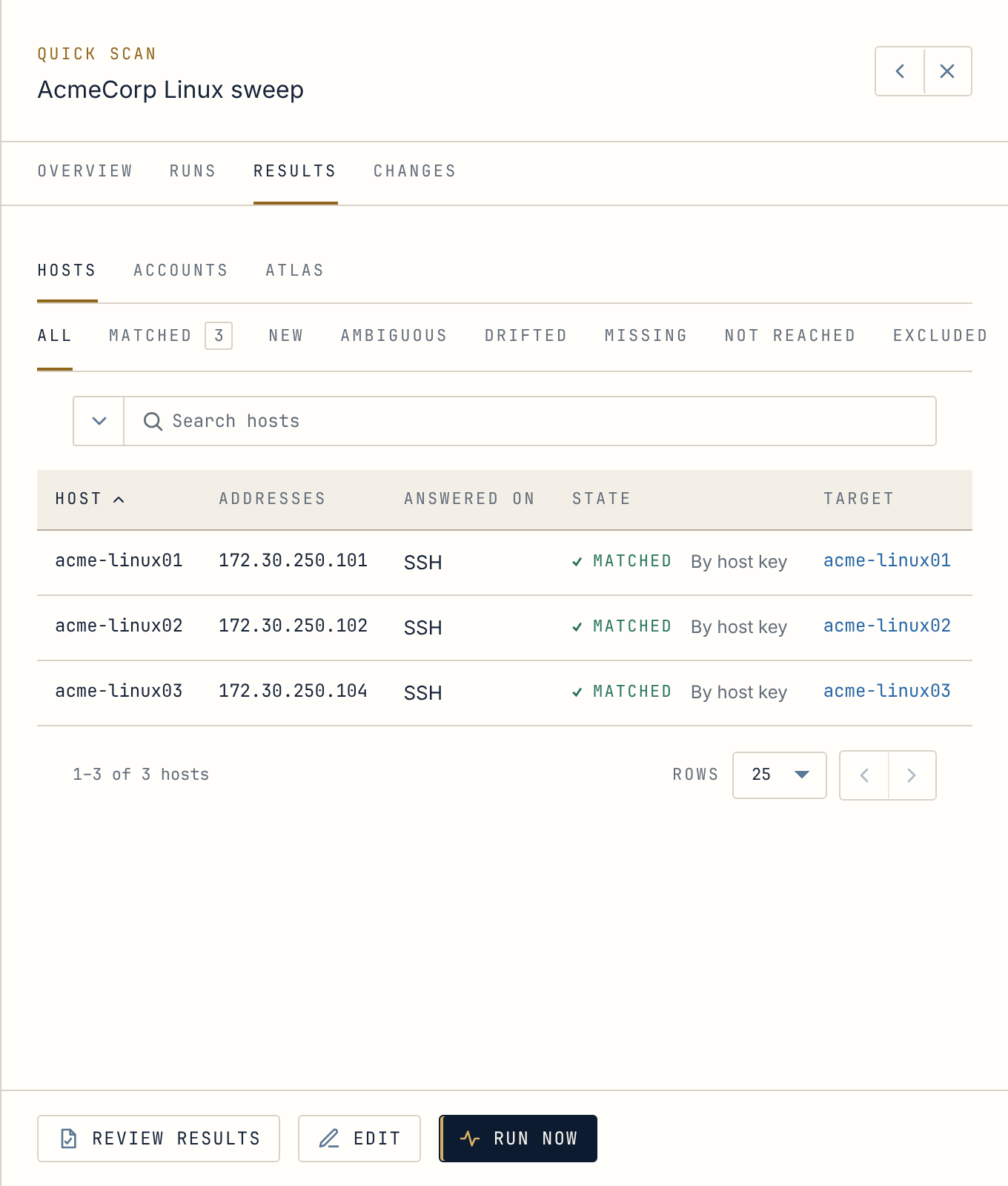
Section titled “Find what you already have”An Estate scan looks at the hosts, address ranges or directory computers you name. It checks what each one answers on (SSH, WinRM over HTTPS, PostgreSQL or LDAPS) and sorts the results into matched, new, drifted or missing. Given a credential, it can also sign in and list local users, domain users and database roles, with the privileged ones flagged. Nothing is placed in Anchor until you have reviewed it.
Bring accounts in, three ways
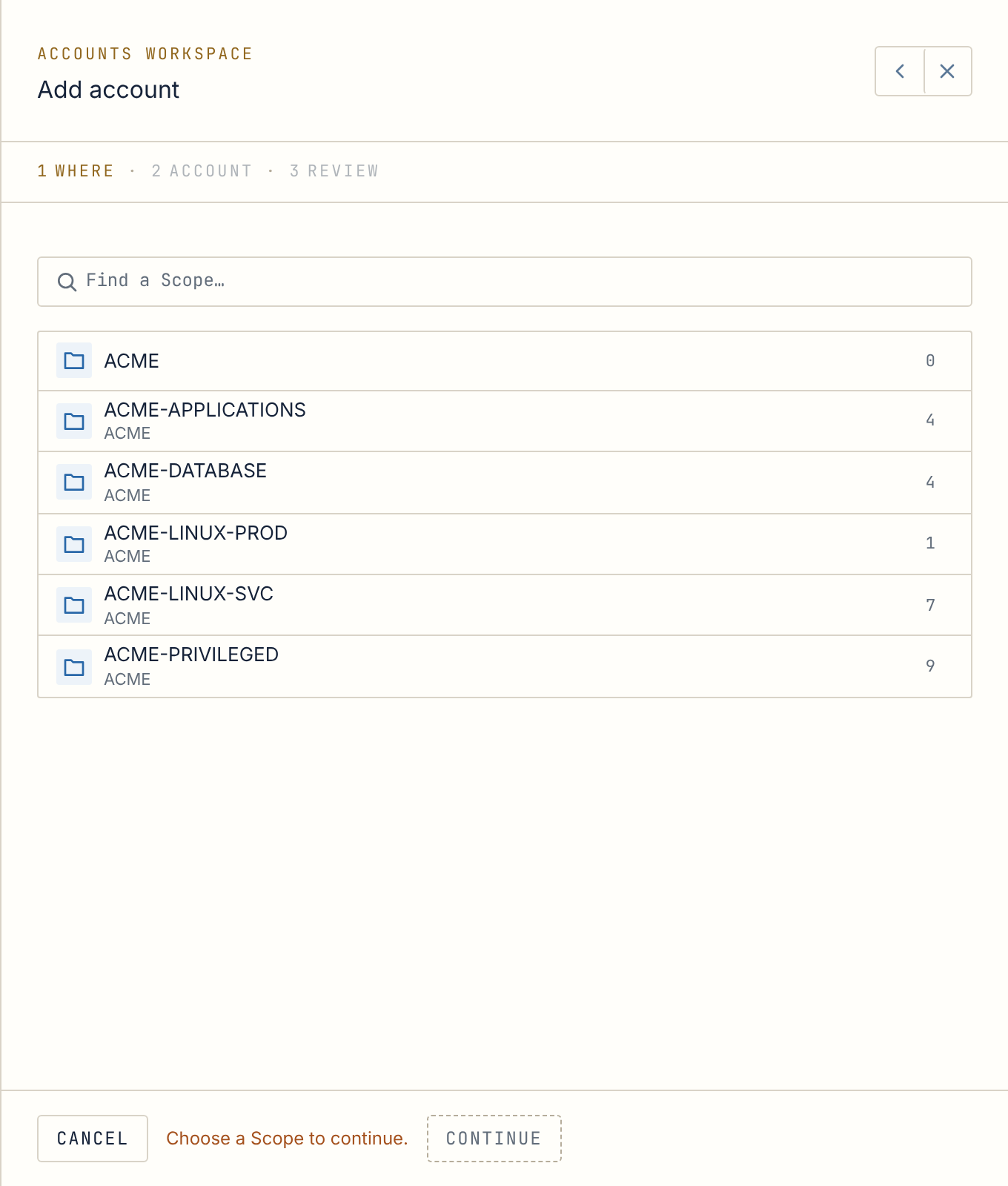
Section titled “Bring accounts in, three ways”- Add account takes three steps: where it lives, which account, review. Anchor never creates the user on the server, and it checks a password you supply straight away.
- Bulk onboarding takes a CSV file of up to 5,000 accounts and checks every row before anything is imported.
- From the directory, Active Directory computer objects become Targets in one reviewed import.
Trusted hosts
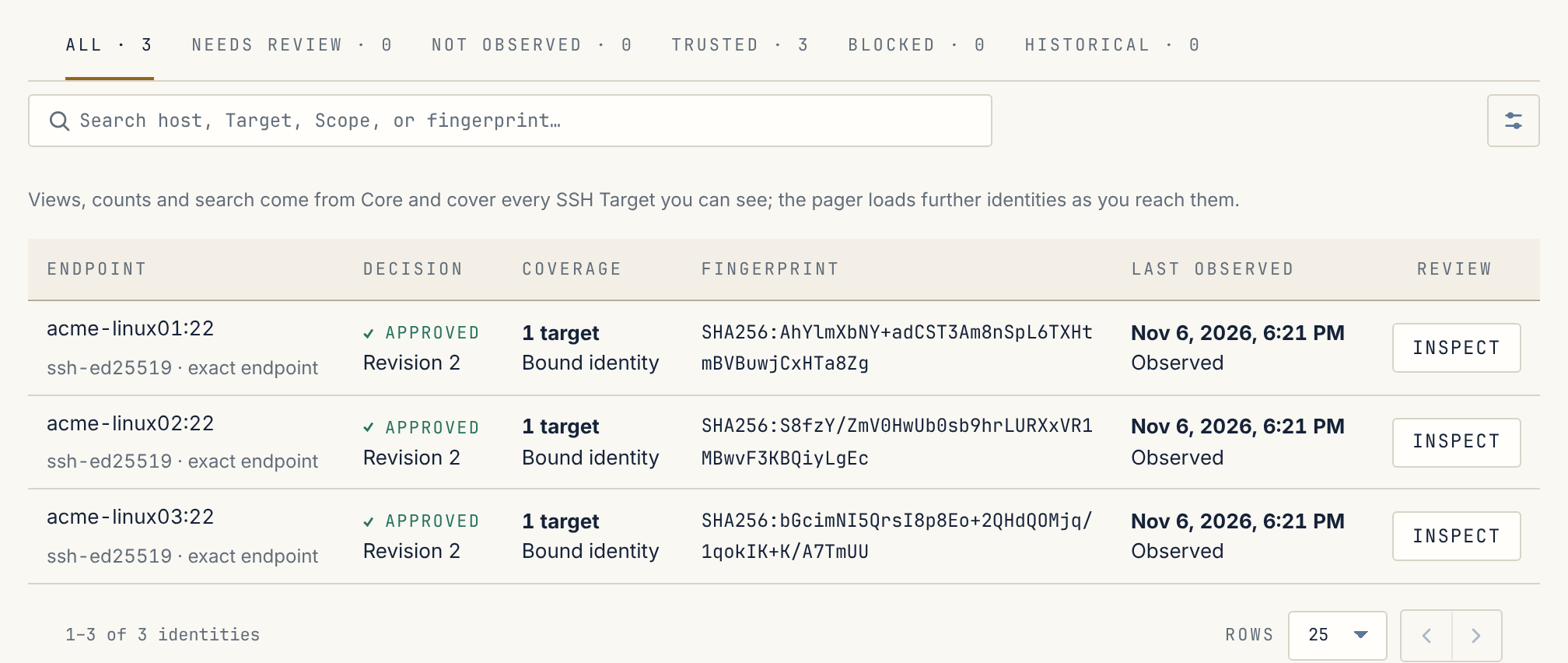
Section titled “Trusted hosts”Anchor keeps track of the SSH hosts you trust. Each host’s key is approved once and listed under System → Host keys.